Track Your Shifts with One Tap

Simple, private, and offline shift tracking for iOS. No account required, no data collection. Just you and your work hours.

🔒
100% Private All data stays on your device
📱
Works Offline No internet required
One Tap Quick punch from Control Center
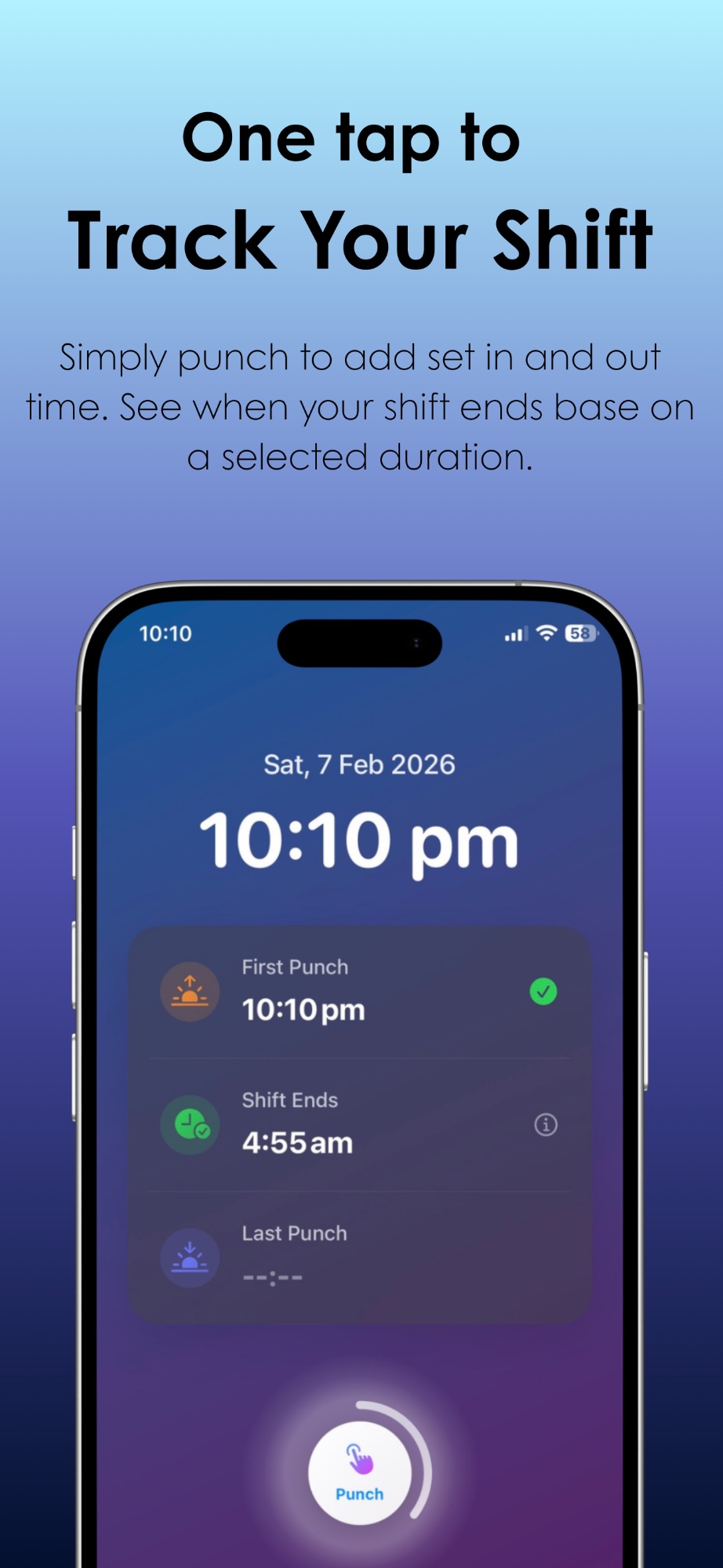
Horario App Screenshot - Track your shift with one tap

Everything You Need, Nothing You Don't

Horario focuses on what matters: tracking your work hours simply and privately.

👆

Hold to Punch

Press and hold the punch button to clock in or out. The hold-to-confirm design prevents accidental entries.

⏱️

Smart Recommendations

Set your shift duration and see exactly when you should clock out. No mental math required.

📊

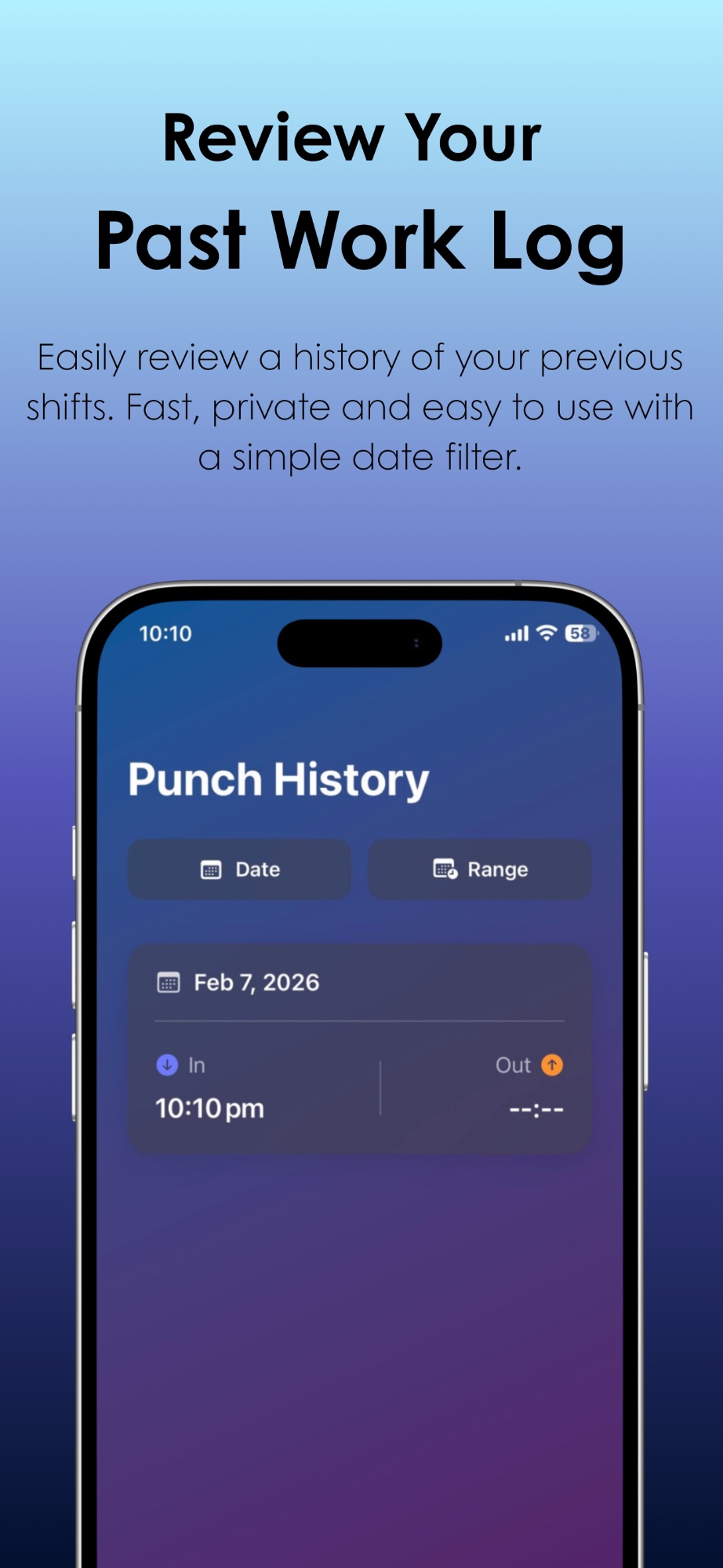
Complete History

Review all your past shifts with easy date filtering. See your clock-in, clock-out, and total hours worked.

🎯

Punch From Anywhere

Log your punch from Control Center, ask Siri with "Quick Punch", or add it to the Shortcuts app. No need to open the app.

🔐

Privacy First

Zero data collection. No accounts, no tracking, no cloud storage. Your data stays on your device, period.

🌙

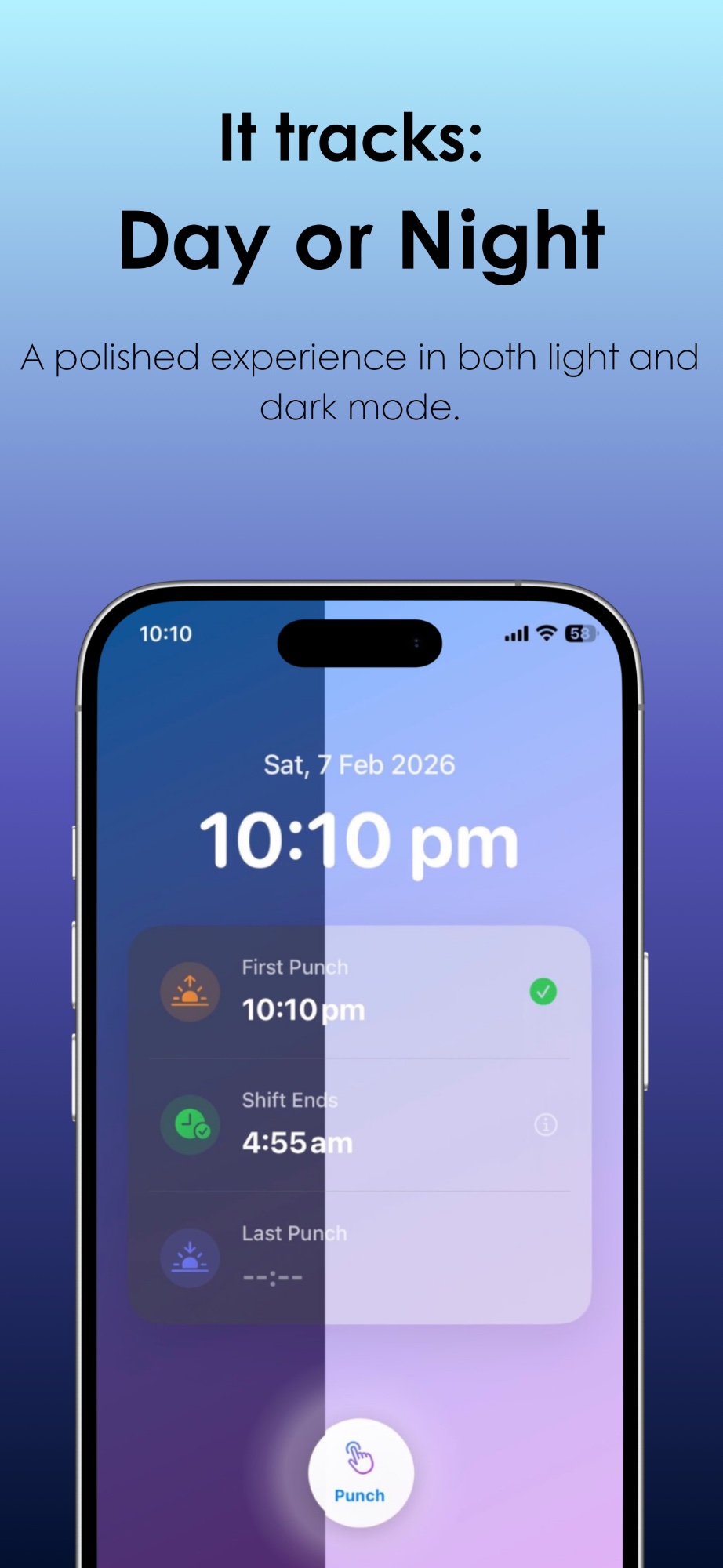
Day & Night Ready

Beautiful interface that adapts to light and dark mode. Track shifts any time, day or night.

Three Ways to Quick Punch

Log your work hours without ever opening the app.

􀋲

Control Center

Add the Quick Punch button to your Control Center and log your punch with a single tap — from anywhere, anytime.

1 Open Control Center
2 Tap Edit Controls
3 Add Quick Punch
🎙️

Siri

Just say "Quick Punch" to Siri and your punch is logged instantly. Hands-free, eyes-free — perfect on the go.

1 Activate Siri
2 Say "Quick Punch"
3 Done! ✓

Shortcuts App

Add Quick Punch to the Shortcuts app and automate your workflow — trigger it from your Home Screen or pair it with automations.

1 Open Shortcuts
2 Add Quick Punch
3 Run anytime

See It In Action

Ready to Simplify Your Shift Tracking?

Download Horario today and start tracking your work hours the easy way.

Free • No Ads • No Account Required